LogLens
Available on the App StoreDrone flight-log review, stored locally.
LogLens reviews drone flight logs and turns them into charts, findings, and structured summaries. Imported logs stay local on your device, so the review workflow stays focused and private.
LogLens in action
The current screenshots show the core review loop: flight library, findings, and chart detail.
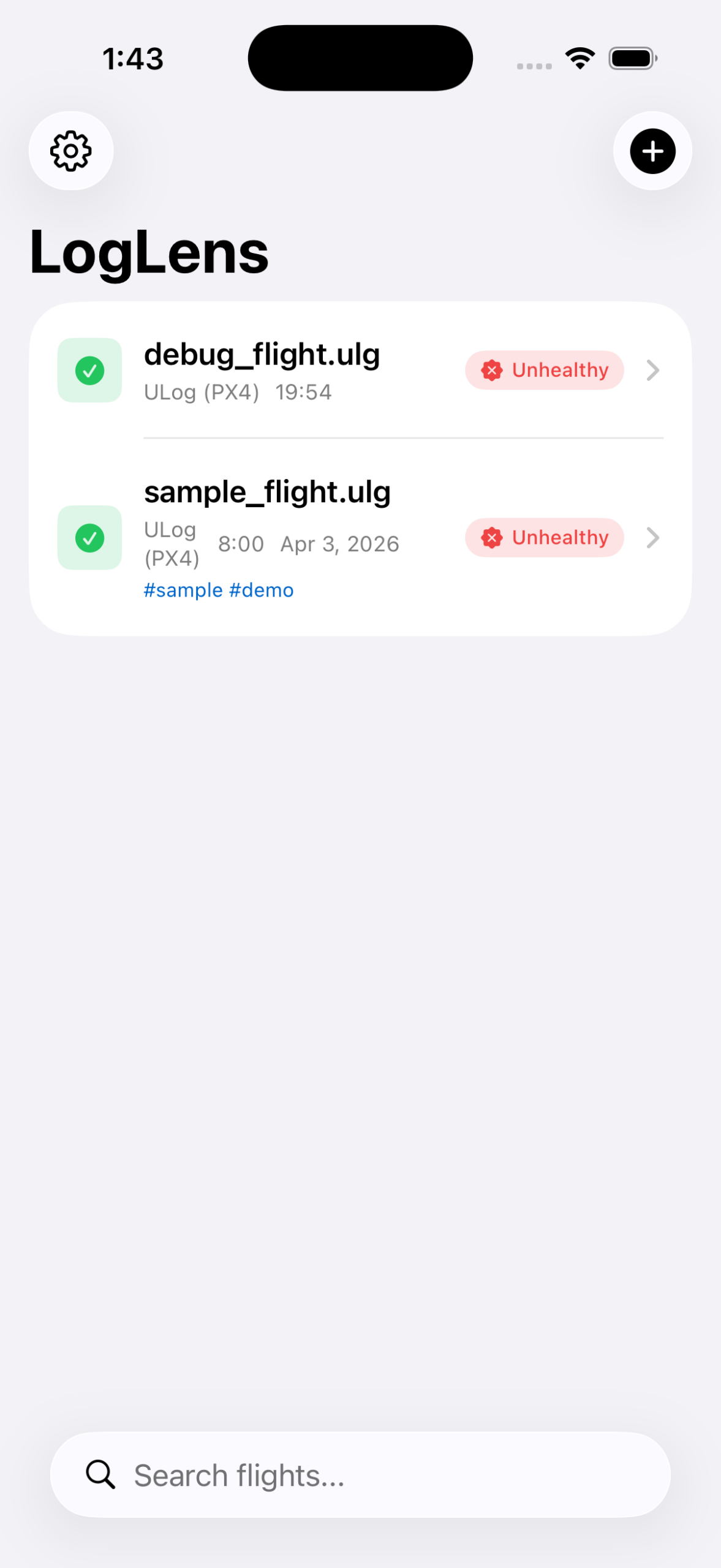 Keep imported logs organized for review.
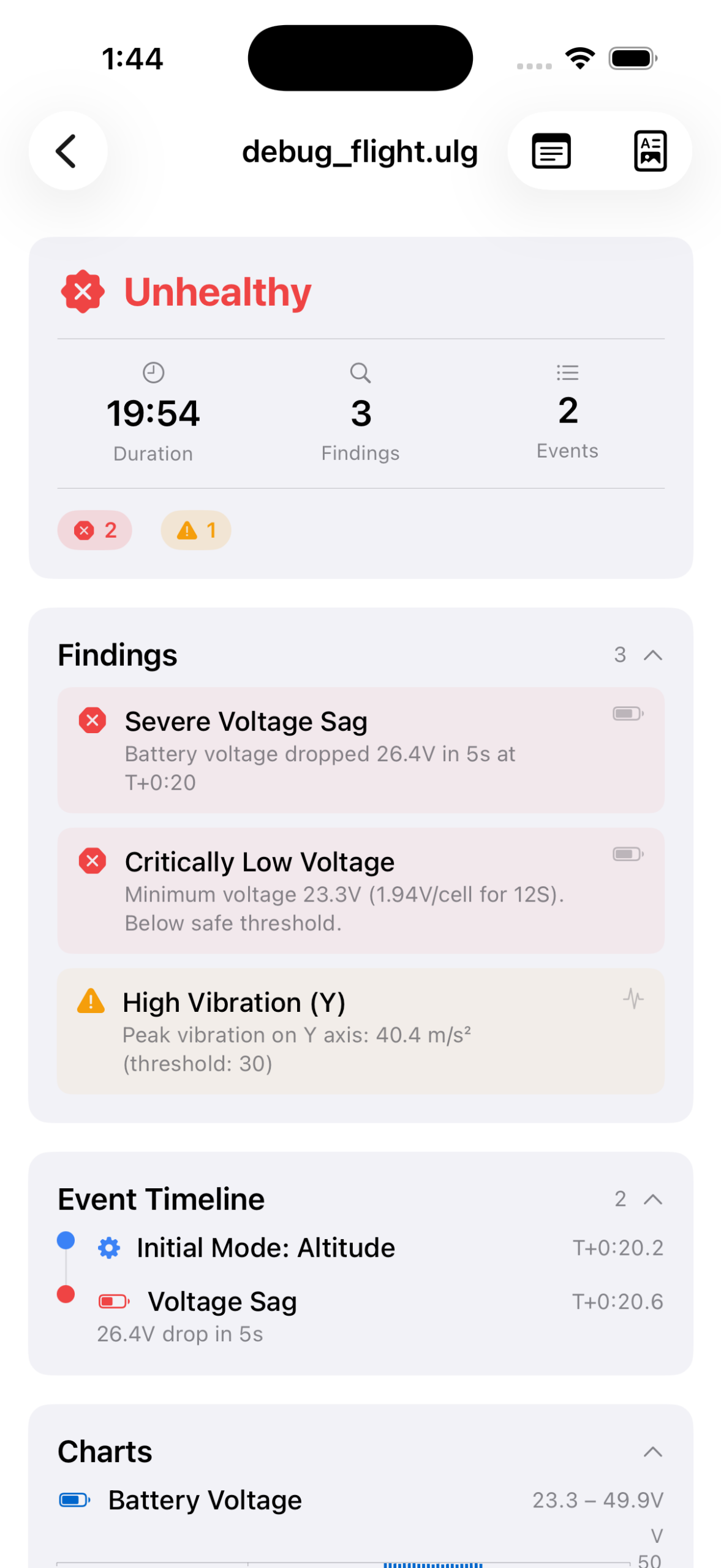 See notable findings in a structured review surface.
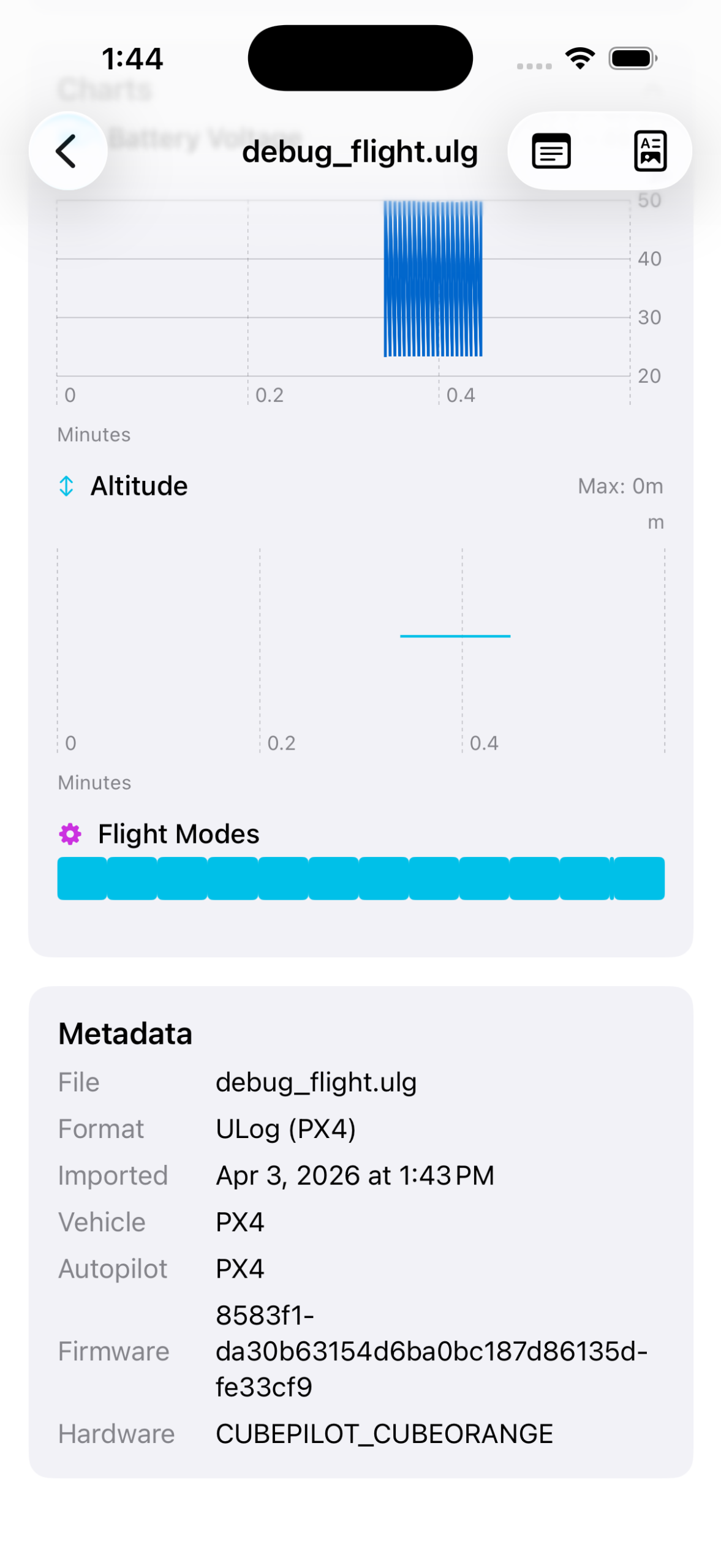 Review log data through focused charts.
What LogLens does
LogLens gives each imported flight log a clearer shape, from visual analysis to written summaries.
Charts
Visualize flight-log data with clear charts that make review easier than scanning raw files alone.
Findings
Surface notable findings from each log so important review points are easier to spot.
Structured summaries
Get a structured summary of each flight for review, comparison, and follow-up notes.
Built around the log file you choose
The product posture is intentionally direct: select a supported log, inspect the output, and keep the imported file local to your device.
Choose a supported flight-log file from Files.
Review charts, findings, and structured summaries.
Imported logs stay on your device for core functionality.
You are responsible for the contents of any log file you choose to import.
Requirements
LogLens is designed for iPhone and requires iOS 26.2 or later. Imported logs are kept locally on your device. See the Privacy Policy for details.