
EventScope Vision
Available on the App StoreLive visualization for motion, flicker, and frame-to-frame change.
EventScope Vision turns your iPhone camera into a live visualization tool, surfacing motion, flicker, and scene changes that a normal camera view can hide. It is designed for quick field observation, learning, and review directly on-device.
EventScope Vision in action
The current screenshots show the visualization surface, recording controls, learning view, and settings posture. A short motion loop would make this section even stronger in the final asset pass.
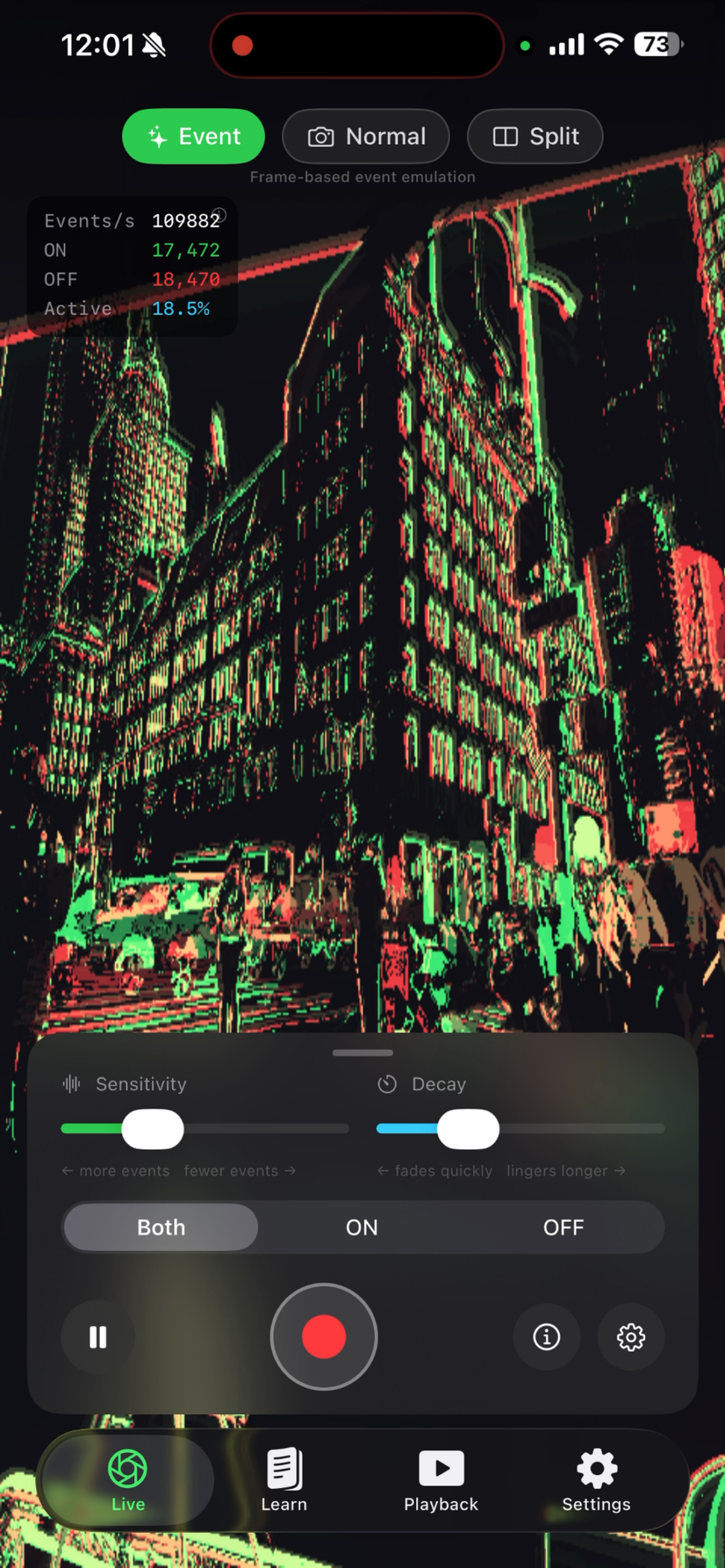 Event mode with live metrics and sensitivity controls.
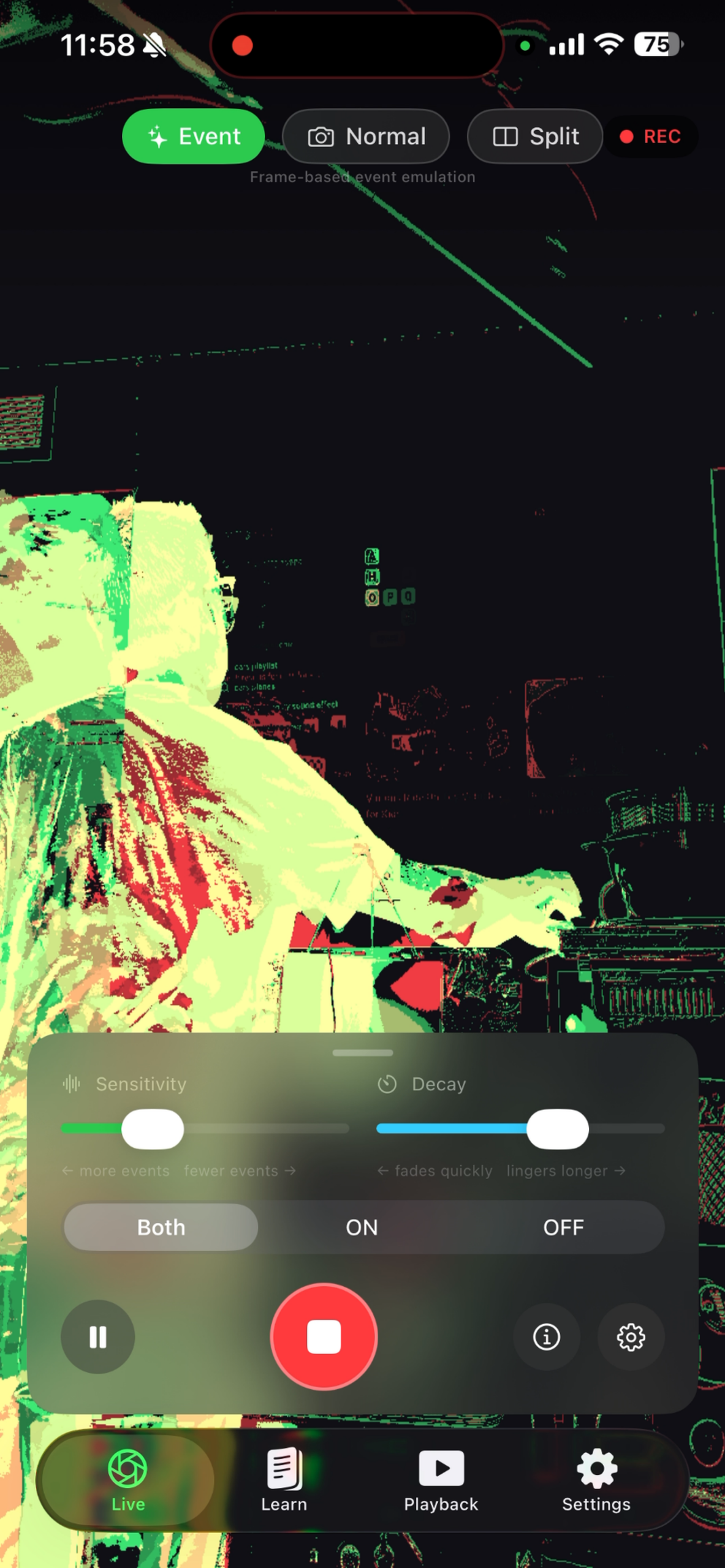 Recording view for observing scene changes.
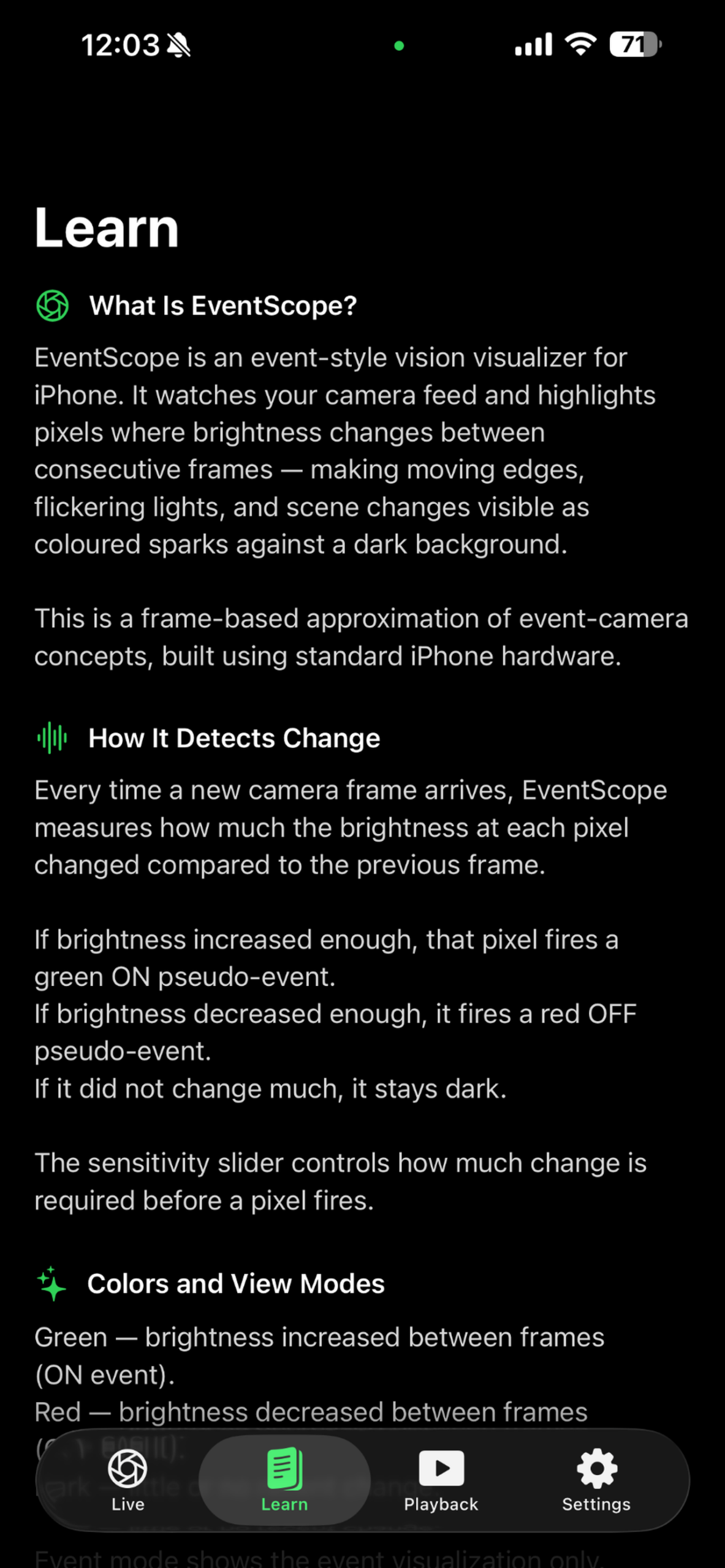 Built-in learning context for understanding the visualization.
What EventScope Vision does
A focused visual tool for seeing change as it happens, comparing what different views reveal, and reviewing what the scene is doing without leaving the device.
See change live
Visualize motion, flicker, and frame-to-frame scene changes in real time through your iPhone camera.
Compare views
Move between visualization modes to compare what a normal camera view shows against what EventScope Vision surfaces.
Learn and review
Use the visualizations to understand and review how a scene behaves, on the spot.
Open the camera, tune the visualization, compare the signal, and review what changed. The interface keeps the workflow close to the live scene instead of pushing the user into a heavy analysis dashboard.
Grant camera access and point the iPhone at the scene.
Adjust sensitivity and decay as the scene changes.
Switch views to understand what the visualization is revealing.
Use the Learn and Playback surfaces for context.
Requirements
EventScope Vision is designed for iPhone and requires iOS 26.2 or later. Visualization runs on your device. See the Privacy Policy for details.